Gemini Agent for Work: What It Does Now and What Is Promised
Gemini Agent for Work: What It Does Now and What Is Promised
On 8 October 2026, at its Gemini at Work 2026 event, Google Cloud introduced what it calls the Gemini agent: “a single, universal agent for work.” Google Cloud CEO Thomas Kurian presented it, and the pitch was simple. You give Gemini an objective rather than step-by-step instructions, and it plans the work, uses skills and tools, connects to your company’s systems, and hands back something finished.
That is a different promise from a better chat window. It is also a promise that, for almost everyone reading this, cannot be tested yet. The Gemini agent launched in private preview for select customers, with no general availability date.
This article separates three things the announcement tends to blur: what Google described, what you can actually use today, and what is still a product direction. It also makes the case that the hard part of adopting a work agent is not the model. It is permissions, cost control and changing how a team hands out work.
1. The Gemini Agent at a Glance
| Item | Detail |
|---|---|
| Announced | 8 October 2026, Gemini at Work 2026 (Google Cloud) |
| Presented by | Thomas Kurian, CEO of Google Cloud |
| Product name | The Gemini agent, part of Gemini Enterprise |
| Status | Private preview, select customers only |
| Wider availability | “Coming soon” for Workspace customers on select Business and Enterprise plans, no date given |
| Consumer accounts | Not yet; Google says businesses first, consumers later |
| Models used | Google’s Gemini models plus Anthropic’s Claude models; other models planned |
| Price | Google says it is included at no additional charge for Gemini Enterprise customers; fuller pricing promised closer to wider release |
| Cost controls | Smart routing between models, real-time per-project spend caps |
| Industry versions | Financial services and legal in preview; government, healthcare and retail named as next |
Data as of 16 October 2026. Verify availability and plan eligibility with Google before planning around it.
2. What Google Actually Announced
One agent, not a catalogue of agents
Until now, Google’s enterprise AI story involved several products and a growing list of purpose-built agents. The Gemini agent folds that into one entry point. According to Google’s own announcement, it uses an organisation’s business context to handle questions, knowledge work, content creation and coding “all from one prompt box,” then returns finished output inside the documents, inboxes and developer tools people already use.
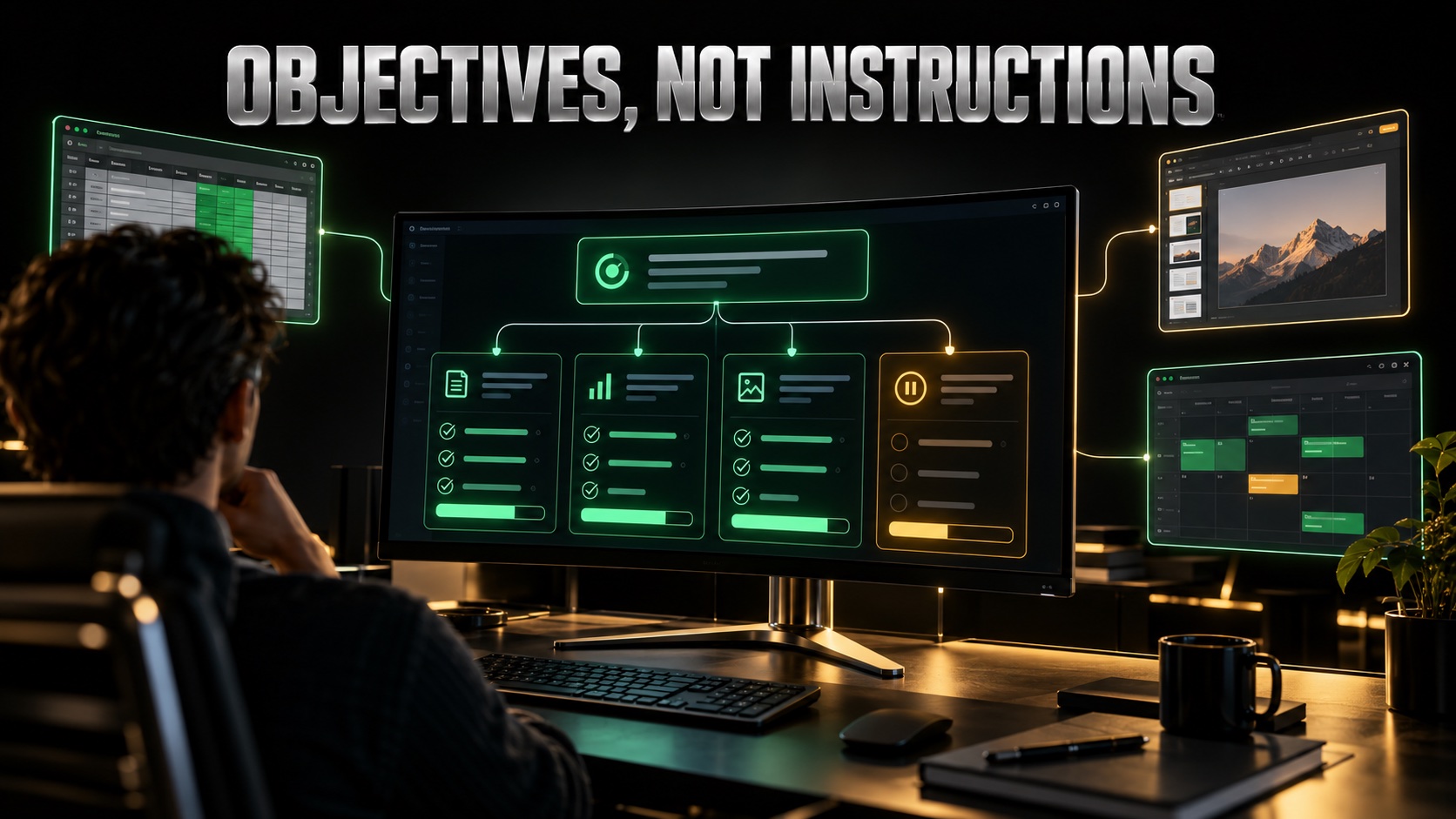
The delegation model is the real change. Kurian’s framing, reported by TechCrunch and 9to5Google, is that you hand the agent objectives, not instructions. It breaks the objective into steps, runs parallel or sequential sub-tasks, and keeps going for hours or days if needed, because it runs in Google’s cloud rather than on your laptop.
How you reach it
Google listed a wide set of access points:
- Web, iOS and Android, and Windows and Mac desktop apps
- A command line interface for developers
- Inside Google Workspace, where 9to5Google reports you invoke it by typing @Gemini in Gmail, Docs, Sheets, Slides and Chat
- Inside Microsoft 365 and Slack
- An API that lets other software use it as a “headless” agent with no interface of its own
What it connects to
Connectors named across Google’s launch coverage include Google Workspace, Microsoft 365, Slack, Jira, Confluence, Git, BigQuery, Databricks, Postgres, Snowflake, Salesforce and ServiceNow. Companies can add other tools through Model Context Protocol (MCP) servers and publish shared libraries of tools and reusable skills.
A list of connectors is not the same as a list of supported actions. Google has not published, for Slack or any other connector, exactly which actions the agent can take or which plans include them. Until that documentation exists, treat each connector as “can reach” rather than “can do everything you would do.”
3. The Agent Is Not the Model
One of the more useful clarifications in this launch is that the Gemini agent and the Gemini models are two different things. The agent is the work layer: planning, memory, tool use, permissions and the interface. The model is the engine underneath that does the reasoning and writing.
Google’s agent can route each job to whichever model it judges best suited. Today that means Google’s own Gemini models and Anthropic’s Claude models, with other private and open models promised later. Users can let the agent choose, or pick a model manually, and VentureBeat reports that a Google Cloud spokesperson confirmed administrators can restrict which models agents are allowed to use.
Google did not name specific Gemini model versions for specific agent functions. If a vendor or consultant tells you a particular version powers a particular feature, ask for the documentation.
This separation is also why commentators found the naming awkward. Forbes ran its coverage under the headline “Google Built An AI Coworker And Gave It A Confusing Name,” and the confusion is real: a product called Gemini that may run your task on Claude.
Memory
Google describes four kinds of memory that persist across every access point:
- Session memory: the current task, even when it runs for days
- Semantic memory: a structured knowledge base built from documents, people and other agents
- Procedural memory: how work gets done, including skills the agent writes for itself
- Episodic memory: a record of what it has done before
All four are described capabilities of a product in private preview. None has been independently tested at scale.
4. Coworker Agents: An AI With Its Own Email Address
The most striking idea is the coworker agent. Rather than acting as you, a persistent agent can be set up with its own Workspace account, including an email address, calendar, Drive storage and a place in the company directory. Colleagues add it to a Chat space, email it, share files with it or tag it, the same way they would with a person. Edits it makes appear under its own name.
Google’s examples include an agent serving a whole team, or one set up in a defined role such as project manager or finance analyst. 9to5Google describes a demonstration in which a user asks Gemini to schedule a meeting with a regional event team without supplying names or email addresses; the agent finds the people through a chat space and an earlier event thread, checks calendars, and emails external participants to agree a time.
There are open questions. VentureBeat notes Google has not confirmed whether every agent gets a full Workspace account or only persistent coworker agents, how those accounts are provisioned, or whether admins can switch individual services on or off for them.
5. The Real Hurdle: Permissions, Not Intelligence
An agent that can read your inbox, edit your documents and post into Slack is only as safe as the access it is given. Google clearly knows this, because most of the launch detail is about governance rather than capability.
What Google says is built in:
- Agent identity: each agent has its own cryptographically attested identity and runs under existing organisational security policies
- Scoped access: a spokesperson told VentureBeat agents can reach only files explicitly shared with them through Workspace permissions
- Audit trail: every action is logged and attributed to the agent, not to a person
- Isolation: complex tasks run in sandboxed containers with restricted outbound traffic
- Agent Gateway: what Google calls an “AI network firewall,” applying company rules to traffic between agents and outside systems
- Write-once policies: a rule such as “agents may not open documents marked Need to Know” applies to every agent at once

Why that matters more than the demo
“Only what is shared with it” sounds reassuring until you remember how most companies actually share files. Years of “anyone in the organisation with the link” settings mean an agent scoped to shared content may still see a great deal. Fixing that is administrative work that has nothing to do with AI, and it has to happen before an agent is switched on, not after.
There is also a known class of attack to plan for. In September 2024, SecurityWeek reported that security firm HiddenLayer showed how instructions hidden in emails and in Google Slides speaker notes could manipulate Gemini for Workspace, including making it display a phishing message. Google classified that behaviour as intended at the time. That research predates the Gemini agent, but the risk it describes, an AI acting on instructions planted in content it reads, grows when the AI can take actions rather than just write summaries.
6. Cost: What Is Known and What Is Not
Google’s stated position, given to both VentureBeat and Reworked by a spokesperson, is that the Gemini agent is included at no additional charge wherever Gemini Enterprise is available, including through Google Workspace business and enterprise subscriptions. A Google representative also told Futurum Group there is no plan to charge a per-seat licence when the agent acts as a Workspace coworker.
What Google has not said:
- Whether long-running tasks and sub-agents carry usage charges
- Whether persistent coworker agents need separate licences
- How compute consumption is metered once the agent is in wide use
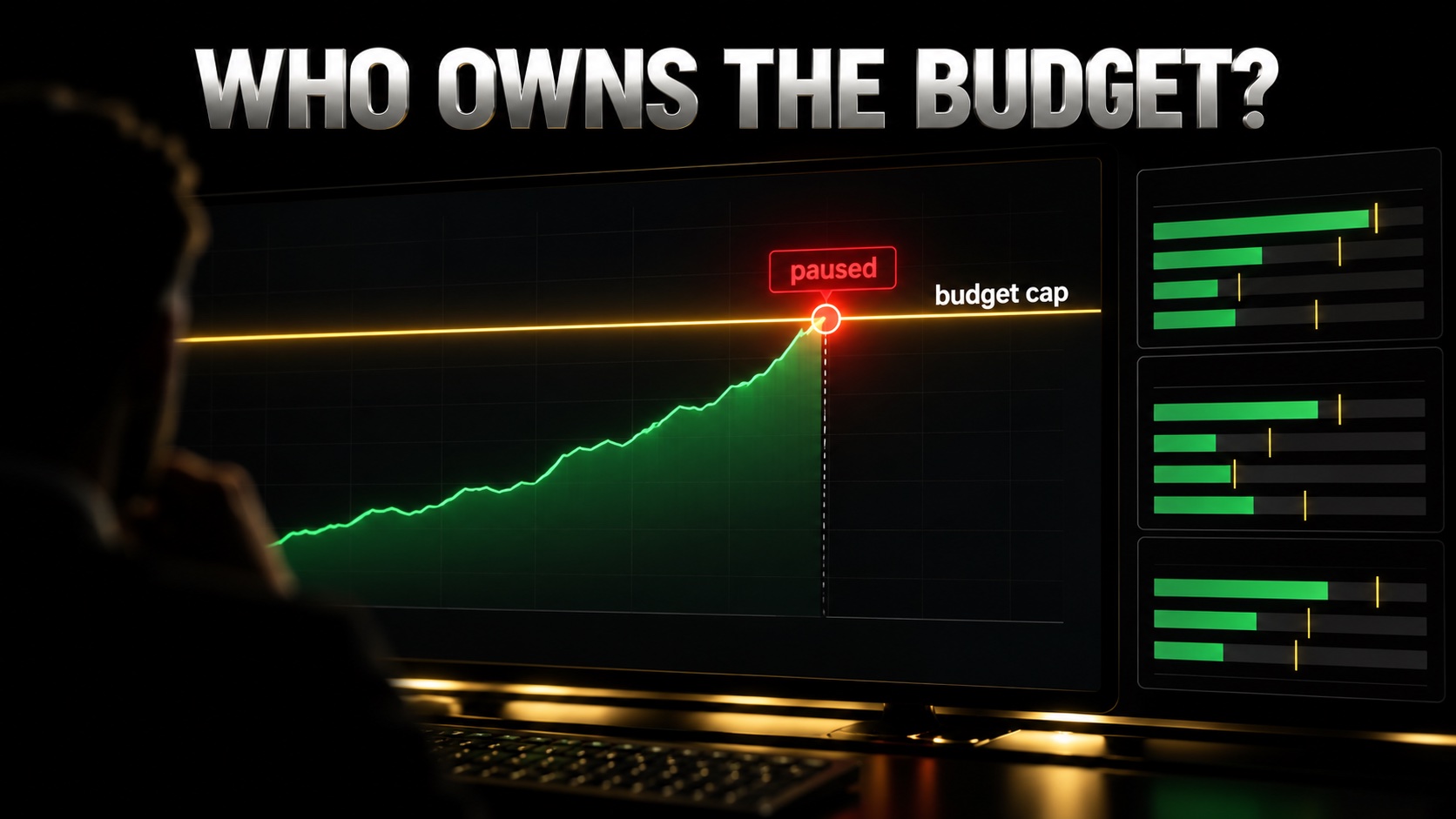
The controls announced are sensible. Smart routing sends simpler work to cheaper models, and administrators can set a hard spend cap per project. When the cap is hit, the agent pauses until someone resumes it, and spending is tracked per project so it can be charged back to departments.
A spend cap is only useful if somebody owns the budget behind it. An agent that pauses halfway through a multi-day job is a cost control and a workflow interruption at the same time.
7. Demonstrated, Available, or Promised?
This is the distinction that matters most if you are deciding what to do about it.
Described and demonstrated by Google
- Objective-based delegation with planning and sub-agents
- A tasks inbox showing reasoning, delegation, loaded skills, code and progress (per TechCrunch)
- Meeting scheduling across chat threads, calendars and external email
- Coworker agents with their own identity and audit trail
Available today
- To select customers in private preview only
- Financial services and legal versions, also in preview
Promised, with no date
- Wide availability for Workspace customers on select Business and Enterprise plans
- Consumer access
- Government, healthcare and retail versions
- Additional models beyond Gemini and Claude
- Detailed pricing
Google’s adoption numbers deserve the same care. It says nearly 90% of Fortune 100 companies use Gemini Enterprise, and SOMPO has built more than 10,000 custom agents. Both VentureBeat and Futurum point out that these figures reflect earlier Gemini Enterprise deployments, not the new agent.
8. Limitations Worth Naming
- No independent reliability data. There are no published third-party tests of how well the agent completes long, cross-application tasks
- Connector depth is undocumented. “Works with Slack” does not yet tell you what it can do in Slack
- Microsoft is the incumbent on its own ground. Futurum’s analysis notes Google has not shown its agent can beat Microsoft’s native assistant inside Microsoft 365
- Prompt injection risk scales with autonomy. An agent that acts on what it reads can be steered by what it reads
- Everything ships at once. Futurum observes that the new agent, identity model, governance, data services and industry versions arrived together, mostly without dates or prices
FAQ
What is the Gemini agent?
It is Google’s single AI agent for work, announced by Google Cloud at Gemini at Work 2026 on 8 October 2026. You give it an objective, and it plans the steps, uses tools and connected business systems, and returns finished work. It is part of Gemini Enterprise and can run on Gemini or Claude models.
Can I use the Gemini agent today?
Only if your organisation is one of the select customers in Google’s private preview. Google says wide availability is coming soon for Workspace customers on select Business and Enterprise plans, but it has not given a date.
Is the Gemini agent available on a personal Google account?
Not yet. Google says it is starting with businesses so it can address security, scale and performance problems first, and will bring agentic features to consumers later. No consumer date has been announced.
How much does the Gemini agent cost?
Google says it is included at no additional charge for Gemini Enterprise customers, including those on Workspace business and enterprise subscriptions. It has not said whether long-running tasks, sub-agents or coworker agents carry usage charges, and has promised more detail closer to wider release.
Does the Gemini agent work with Slack and Microsoft 365?
Google lists both Slack and Microsoft 365 as places you can use the agent and as systems it can connect to. It has not yet published which specific actions are supported in each, or which plans include them, so check the documentation once it appears.
Is it safe to give an AI agent access to company email and files?
It depends on how well your permissions are set up. Google provides agent identities, scoped access, audit logs and a gateway for company rules, but an agent still sees whatever has been shared with it. Clean up broad sharing settings first, and assume content the agent reads could contain hidden instructions.
What to Do on Monday Morning
If your company runs on Google Workspace, do not wait for the preview to start preparing. Open Drive’s sharing settings, or ask your admin to, and find out how many files are shared with “anyone in the organisation.” That number is roughly what an agent scoped to shared content could see on day one, and reducing it is the most useful thing you can do now.
Then pick one recurring, multi-step task, such as a weekly status update that pulls from three places, and write down every step and every source. When the agent reaches your plan, that document becomes your first objective, and you will know within a week whether it saves real time. If you are weighing the investment side of enterprise agents rather than the tool, our look at Salesforce, Anthropic and the Claudeforce CRM case is the natural next read. For how an earlier generation of agents was received, see our piece on Manus, the general AI agent, and for the security trade-offs of letting a model drive a computer, our GPT-6 Astra breakdown. The wider pressure agents put on software companies is covered in The Mythos Threat.
Source for launch details: TechCrunch’s report on the Gemini agent launch.
⚠️ Disclaimer: The content on OneMoreMoney.com is for informational and educational purposes only and does not constitute financial, investment, or trading advice. Always conduct your own research and consult a licensed financial advisor before making any investment decisions. Past performance is not indicative of future results.